Mini Fuse Bead Tools
Workflow Tools for 2.6mm Mini Fuse Beads
Custom tools for sorting, aligning and handling small beads more efficiently — developed for brands, craft stores and niche product lines.
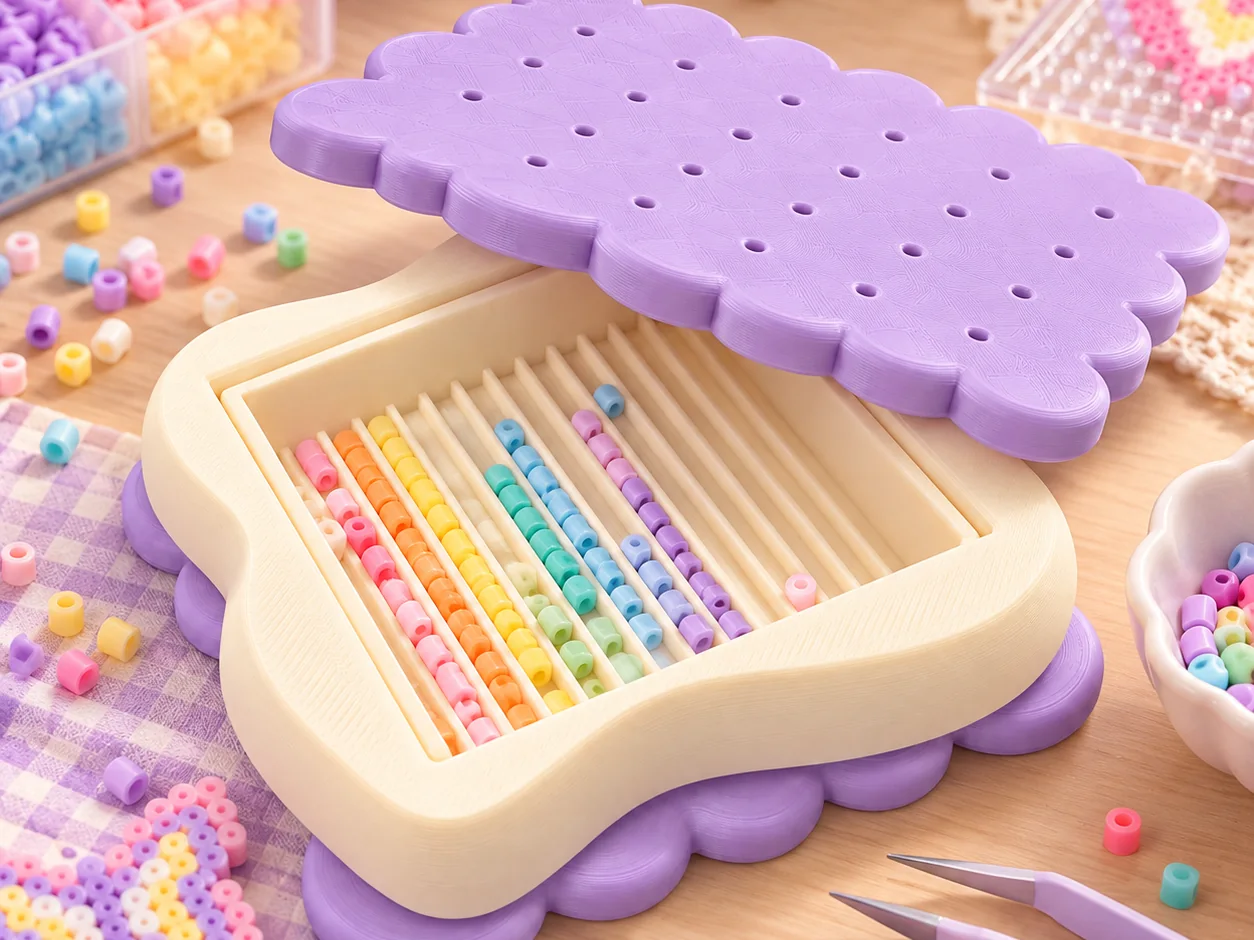
Workflow Problem
Small Beads Create Different Workflow Problems
Accessories designed for larger beads often behave differently once the bead size drops to 2.6mm.
- Small beads are harder to alignAt 2.6mm a bead covers very little of the printed symbol, so placement accuracy depends more on the tool than on the maker's hand.
- High-color-count projects increase sorting effortMore colors per project means more sorting cycles, and sorting becomes a larger share of the total working time.
- Repeated tweezer handling slows the workflowPicking up each bead individually works, but repeating it across a whole board is a slow, repetitive motion.
- Standard accessories are often designed around larger bead sizesGrooves, wells and pickup surfaces sized for larger beads do not always translate cleanly to 2.6mm work.
Tool Directions
Tool Directions
Three development directions. These are starting points for discussion, not a fixed product catalogue.
Alignment Tools
Guides and positioning aids that help a bead land on the intended symbol with less re-adjustment.
Sorting / Handling Tools
Sorting surfaces, wells and pickup structures that reduce repeated handling during color changes.
Custom Workflow Tools
Structures developed around a specific board size, project type or repeated task in your own workflow.
Who It Fits
Who This Work Fits
- Mini fuse bead brandsBrands that already sell 2.6mm products and want a tool accessory to complete the range.
- Pixel art product sellersSellers whose main volume is small-bead pixel work rather than larger-bead products.
- Craft storesStores looking for a practical accessory that is clearly different from a generic multi-bead kit.
- Small creative businessesSmaller businesses testing a niche product line before committing to a wider accessory range.
- Brands building a more complete accessory ecosystemBusinesses that already cover storage or canvas products and want workflow tools to complete the set.
Custom Development
What Can Be Developed
Each option is discussed against a real workflow requirement rather than applied by default.
- Dimensions
- Groove spacing
- Tool shape
- Grip / handling structure
- Color
- Branding
- Workflow-specific features
Prototype Logic
A Workflow Problem Can Be Enough to Start
You do not need a finished product concept. A workflow issue, current tool limitation or reference product can be enough to begin development.
The first step is usually to identify where the current process slows down, then work out which part of that step a tool could actually change.
Have a 2.6mm workflow problem worth improving?
Tell us which step takes the most time, or which existing tool does not quite work. That is usually enough to start a discussion.